
Superbuy Spreadsheet Guide: A First Order in Clear Stages
A Superbuy spreadsheet helps you discover an item; the ordering process begins when you confirm what you want to buy. Work through the stages below in sequence and keep each decision attached to the same item. This is easier than trying to resolve size, payment and shipping questions all at once.
1. Read the listing before choosing an option
Open the original product page and check the description, available sizes and included accessories. Promotional images often show more than one option. Identify exactly what the selected price buys, then note the quantity and any instructions that matter.
For clothing, compare relevant garment measurements with an item that already fits. Do not convert a letter size into centimetres by assumption.
2. Review the purchase information
Check the selected variant and the purchasing amount shown in the order workflow. Keep product and domestic delivery amounts separate from the later international parcel cost. If the wording is unclear, ask a specific question before paying rather than hoping it means the option you intended.
3. Inspect the warehouse item
Once the item is received, compare its record and photographs with the order. Confirm obvious details first: item type, selected colour, size label and quantity. Then examine the point that matters for your purchase, such as a fastening or garment length.
A front photograph without a ruler may show the design but cannot answer a measurement question. Request the relevant view if that information is necessary for your decision.
4. Resolve questions before international shipping
Keep a simple status for each item: ready to pack, needs another check or needs a support response. Do not confuse a warehouse arrival notification with approval of every detail. Check any applicable after-sales options while the item is still at that stage.
5. Plan and review the parcel
Use the actual destination, contents and packing requirements when comparing delivery options. Check the final selection and requested payment, then retain the parcel reference for tracking. The earlier seller-to-warehouse shipment is a different delivery stage.
A short worked example
Suppose you choose a green sweatshirt and want enough sleeve length. Save the variant and the required measurement before ordering. At the warehouse, check the received colour and request a clear sleeve measurement if the existing images do not show it. Only after that question is resolved should you decide whether to include it in the parcel. This illustrates the sequence; it is not a claimed customer order.
Use QC photo guidance, shipping estimates and order status explanations for the next stage that applies to you.
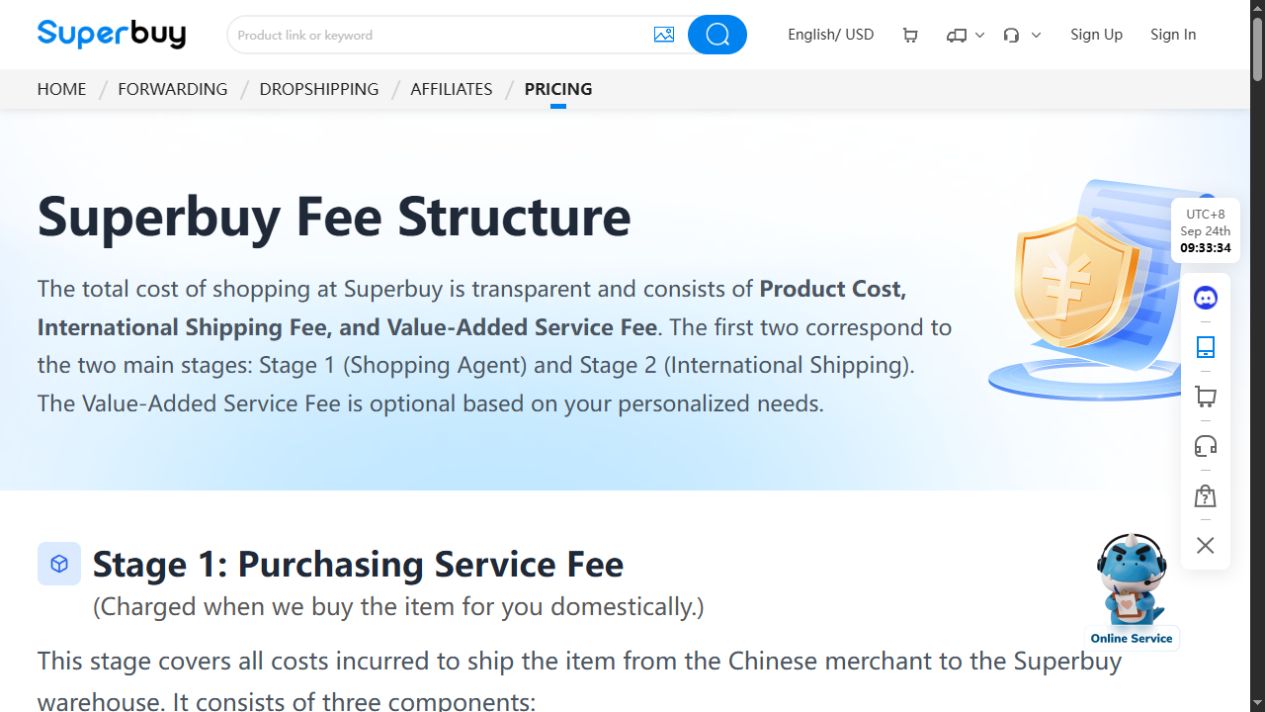
This 24 September 2026 interface view illustrates the two payment stages; it is not a price for the example order described above.
For a product-level comparison, open this long-sleeved T-shirt listing on Superbuy and check the available variant before adding it to your shortlist.
From the seller’s listing to your parcel
Keep the original seller listing, chosen variant and quantity with your order. Before buying a set, check which pieces the selected option includes. If a seller proposes a replacement, compare it as a new choice rather than carrying over the old measurements.
Keep item progress separate from parcel progress. “Purchased” concerns the seller order; arrival at the warehouse is a later step, and international dispatch follows parcel submission. Check the actual item or parcel record before deciding what to do next.